🍽️
Cook Together
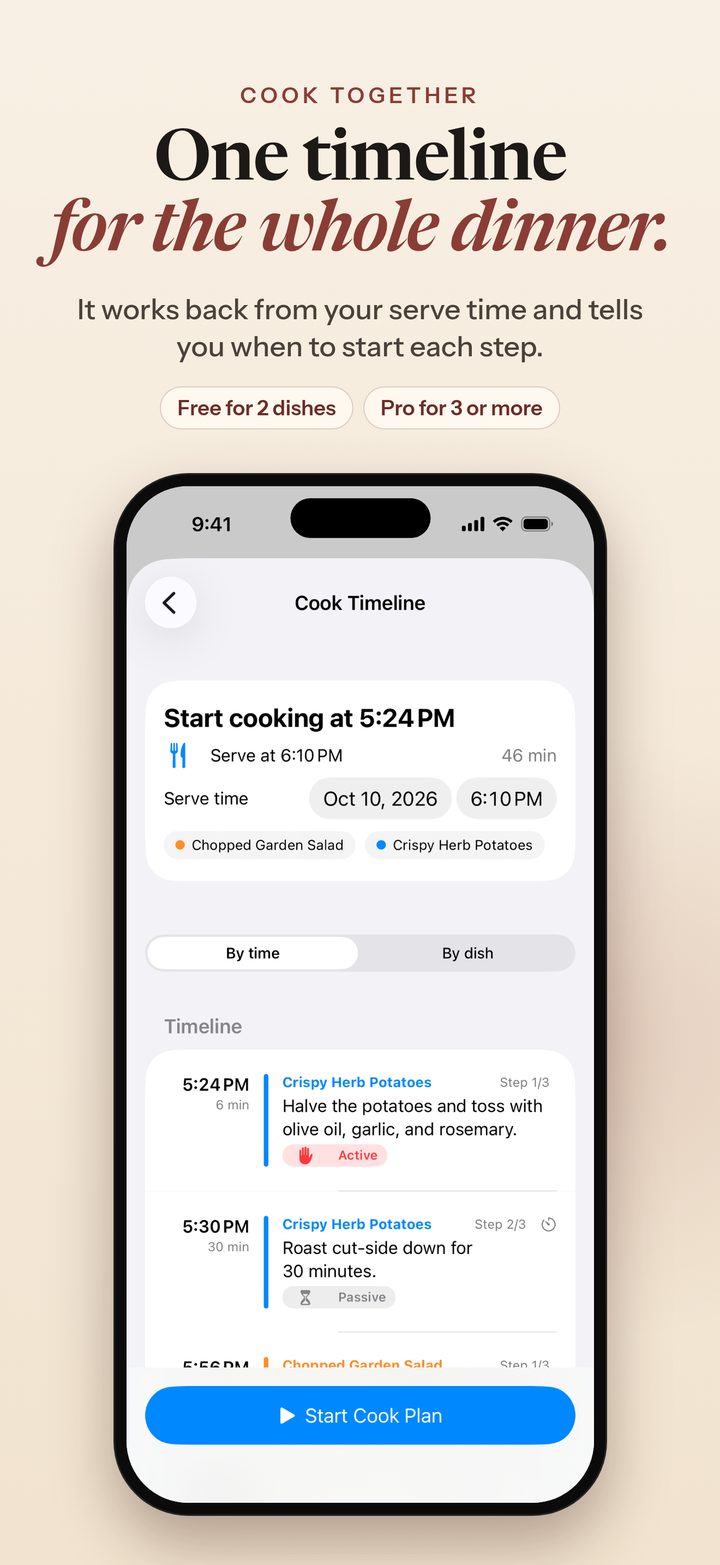
Pick the dishes you’re making and set when you want to eat. Cleaver Kitchen builds one timeline that works backward from your serve time and tells you when to start each step. It starts each step’s timer and reminds you when to begin the next.
📥
Bring your own recipes
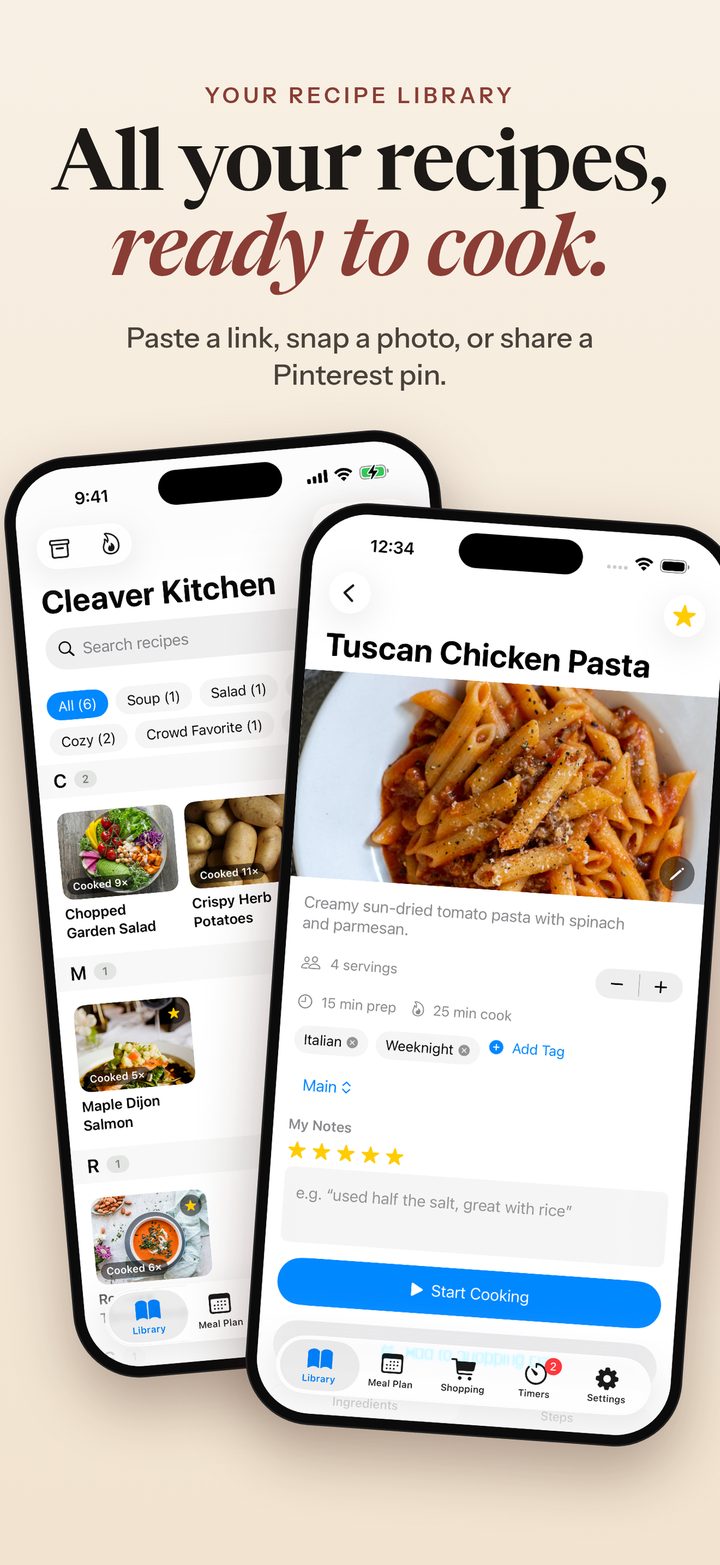
Save recipes from a link, a photo of a cookbook page, a Pinterest pin, a recipe post on X, the share sheet, or the in-app browser. For a pin, Cleaver Kitchen follows it to the recipe site behind it. Check the preview, save, and start cooking.
🎙️
Free voice control
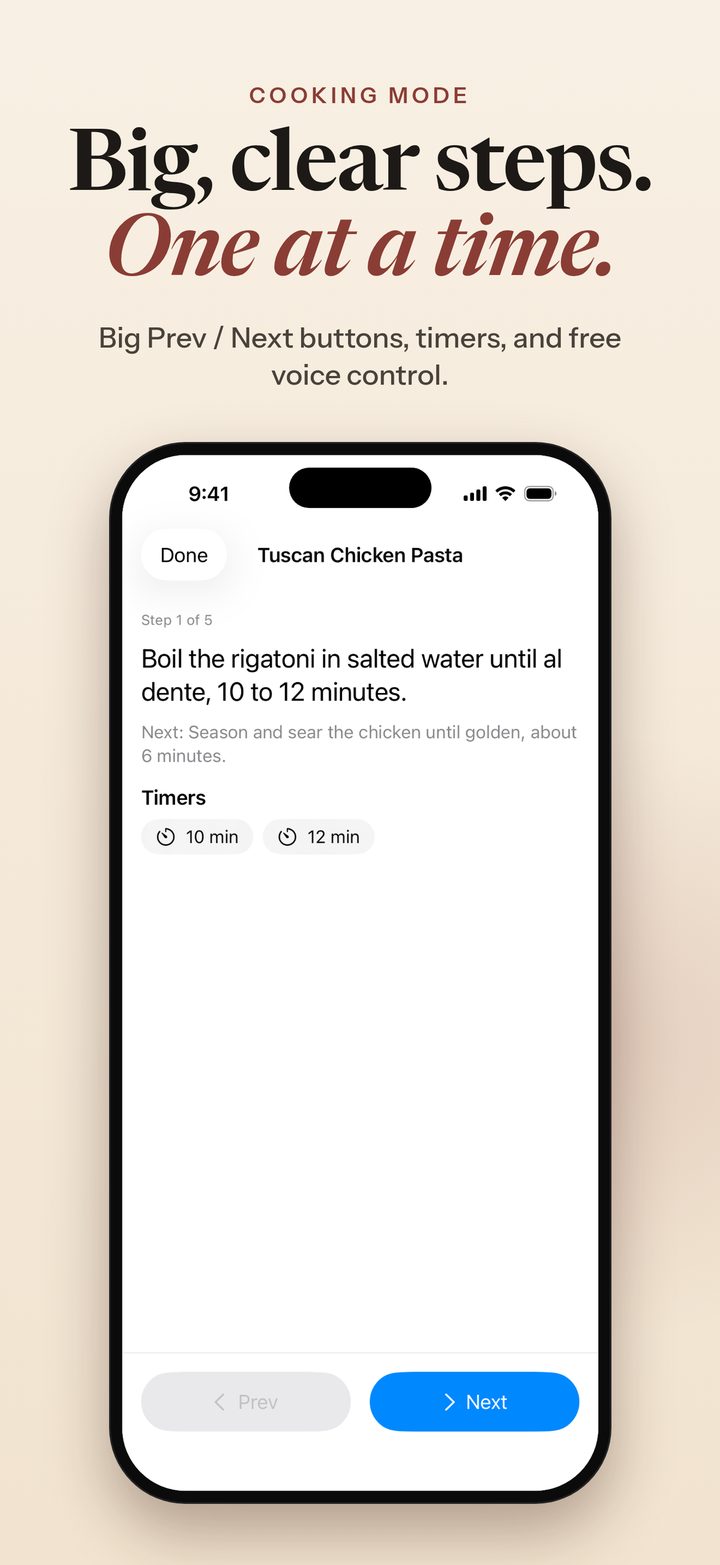
Hands busy? Turn on Voice Control in Cooking Mode, hold the mic, and say “next,” “back,” “timer,” or “read step.” Voice control is free for everyone.
⏱️
Several timers at once
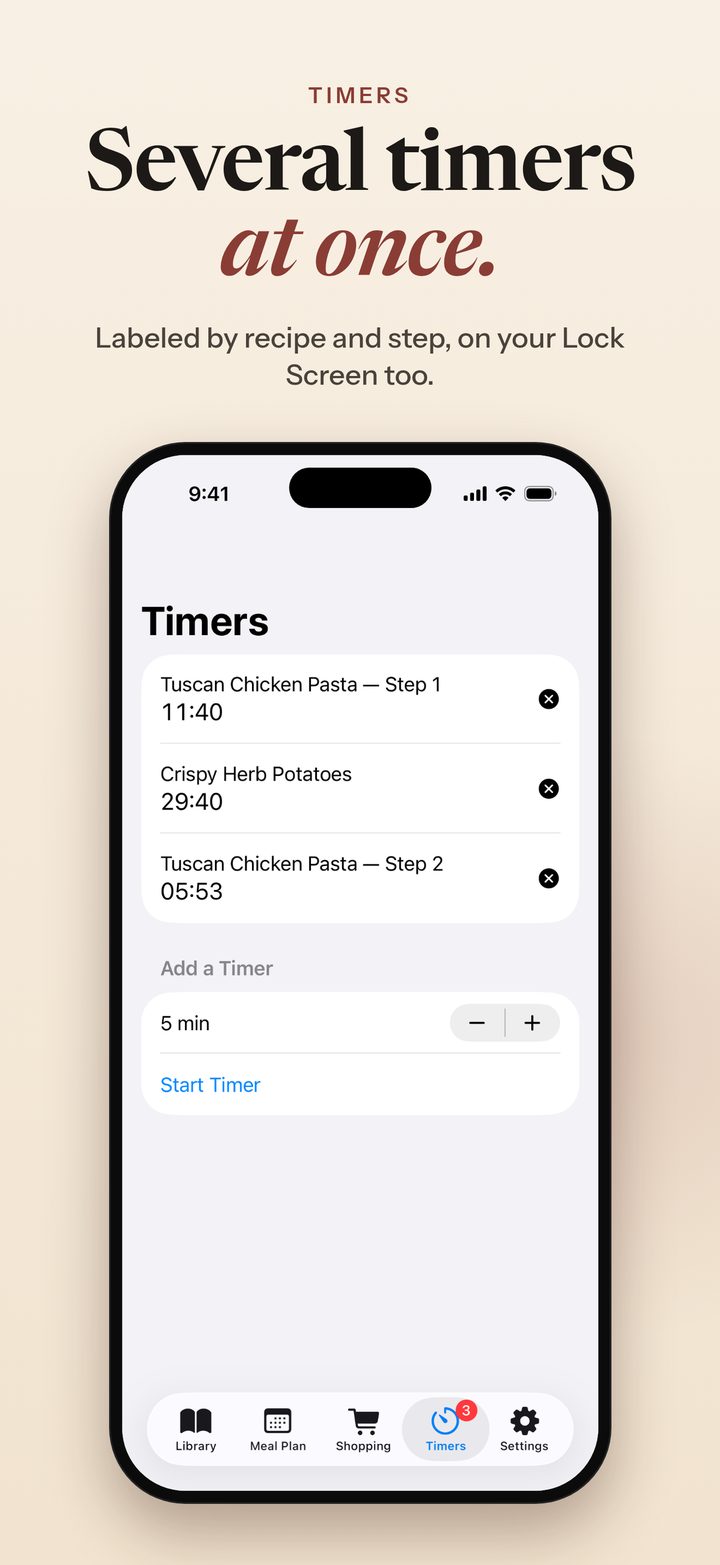
Timers are picked up from your steps. Run more than one and keep an eye on them in the Dynamic Island or on your Lock Screen with Live Activities.
🛒
Meal Plan and one shopping list
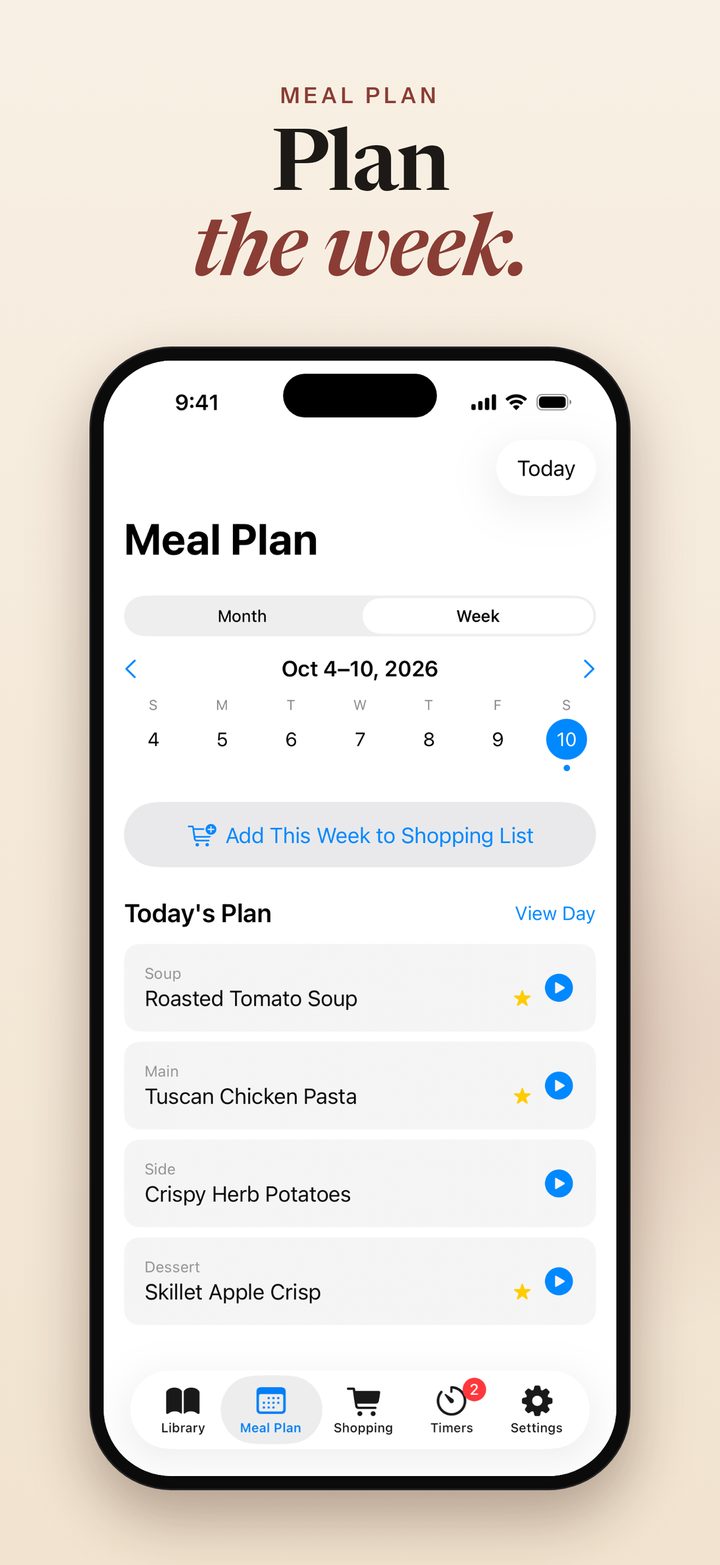
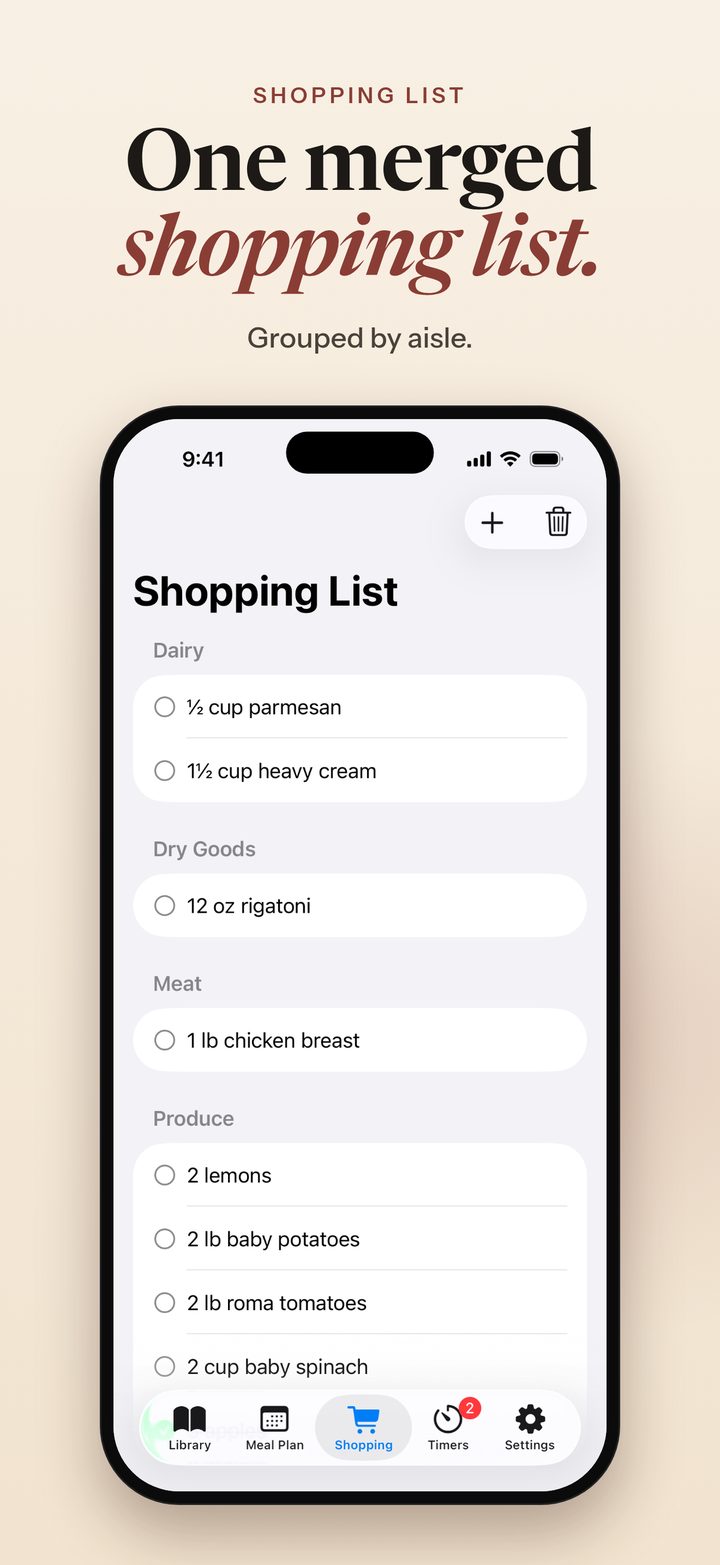
Plan the week or the month. Ingredients from every recipe you’ve planned merge into a single list, grouped by aisle.
📱
Made for iPhone Duo
Cooking Mode adapts to how you hold your Duo:
- Closed: the current step, timers, and big Prev / Next buttons on the outer screen.
- Half-open: the step on top; that step’s ingredients, timers, and Prev / Next below.
- Flat: the step list on the left; ingredients and timers on the right.
📤
Your recipes, your file
Export your whole library, with ingredients, steps, notes, and ratings, as one backup file whenever you like, and import it again from Settings.
🆓
Free to start, no account needed
Save up to 15 recipes, use every cooking feature, and plan up to 2 dishes with Cook Together, all free. No ads, no tracking, and your recipes stay on your iPhone.
✨
Cleaver Kitchen Pro for bigger dinners
Cleaver Kitchen Pro unlocks unlimited recipes and Cook Together for 3 or more dishes. Choose Monthly, Yearly, or Lifetime.